How to set up Agentic AI (PATS Framework)

“The future is here, it’s just that not everybody knows how to use it.” — Mike Krieger
Why it works
Mike Krieger (pictured) is a Brazilian entrepreneur, software engineer, and one of the most influential product builders of the last two decades. He was born in São Paulo and moved to California in 2004 to study at Stanford. There he met Kevin Systrom, and in 2010 the two of them co-founded Instagram. Krieger served as its Chief Technology Officer until 2018, growing the platform from a few million users to more than a billion. After leaving, he built Artifact, an AI-powered news app, before joining Anthropic, the company behind Claude, as Chief Product Officer in 2024.
When Krieger arrived, Anthropic’s AI chat assistant Claude already existed. What did not exist was the structure that lets you work with it rather than just talk to it. That structure was built during Krieger’s tenure, and it essentially comes down to the four building blocks I introduced in last month’s newsletter: PATS. Projects hold the context for a goal. Artifacts are the durable outputs of Claude’s work, such as a tracker or dashboard. Tasks are actions Claude carries out on a schedule you set. And Skills capture repeatable workflows it can execute on demand.
In July, I laid out my three-step method for putting agentic AI to work (read it here): define your goals, set up your PATS, and let Claude work. We covered step one in depth, because agentic AI is only useful in service of something you actually want. This month, we go deep on the PATS Framework, which is step two: setting up each of the four building blocks for your own goals.
How to do it
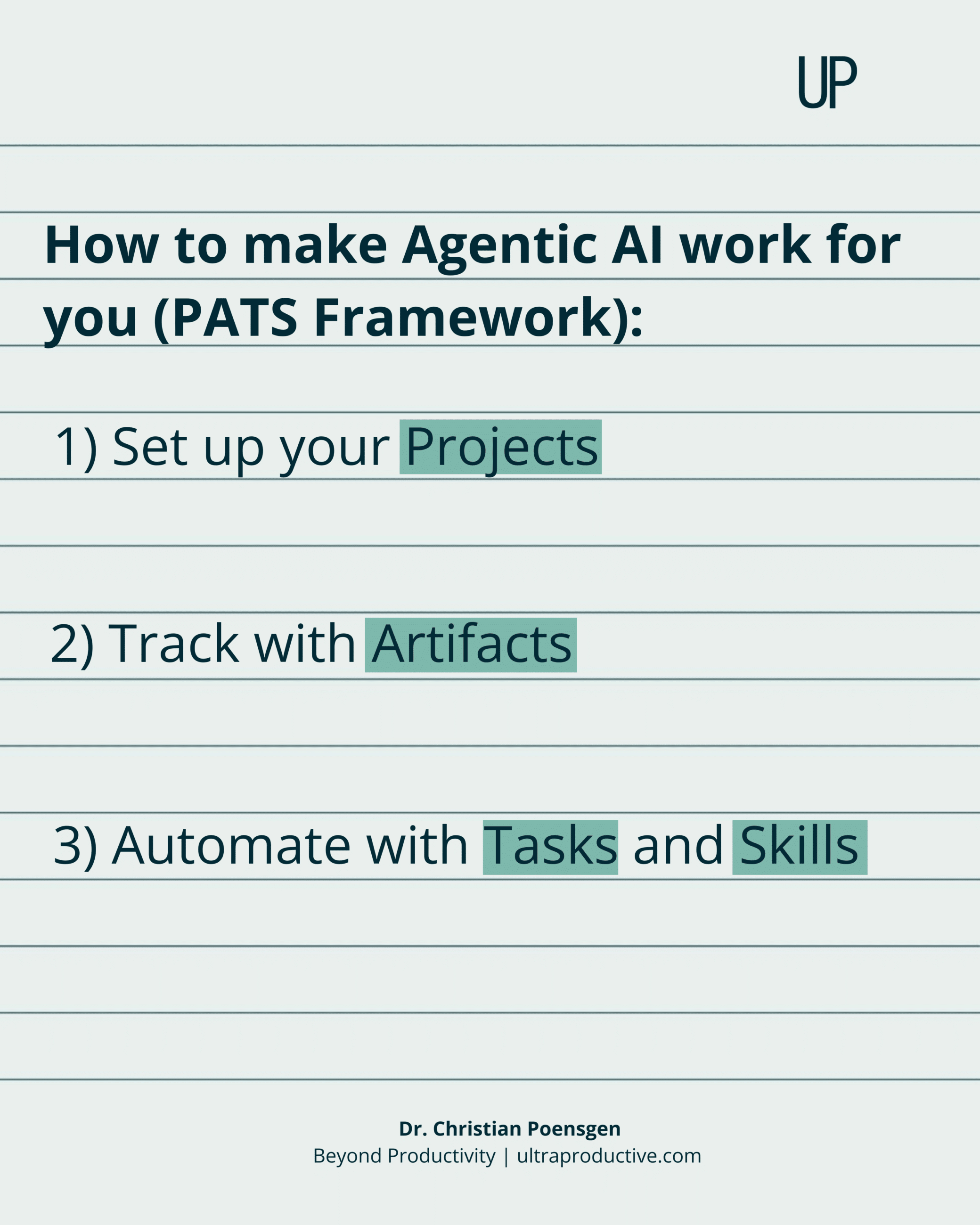
1) Set up your Projects
Start by creating a Project for each goal. Then give each Project the baseline context it needs. Think about both the quantitative and qualitative information that Claude needs to understand your goal and help you specifically.
If your goal is to increase profit by 20 percent this year, add your current offers and an overview of revenue and costs, as well as information about who your best clients are and how they find you. Add the objections you hear most often in sales conversations and case studies of successful clients.
If your goal is to lose five kilos by Christmas, you might add a document with your current diet and exercise plan, your weight history over the past year, your typical week including travel days and business dinners, and any constraints, such as old injuries or foods you are unwilling to give up.
The more accurate and complete the context, the more useful the help. If you do not know what to put in or where to start, open the Project and say: “Interview me about this goal by asking me five questions, then turn my answers into a context document for this Project.” Answer the questions properly. It takes five minutes, and Claude does most of the work for you.
2) Track with Artifacts
After you’ve created a Project for each goal, use Artifacts to track your progress. For the profit goal, you could ask Claude to build a dashboard with your most important leads, clients, and partners, so the full picture sits in one place instead of being scattered across tools and inboxes.
For the weight goal, you could ask it to build a tracker of your health habits, including step count, exercise, nutrition, and sleep, and to show your weight trend toward your Christmas goal rather than the daily noise.
For this to work without you constantly updating the data manually, you’ll need to connect Claude to the tools and accounts you use (here is an overview of all connectors) so that it can pull the relevant data from your CRM or health tracker, for example. From then on, you can open a single view to see where things stand.
3) Automate with Tasks and Skills
With Projects and Artifacts in place, it’s time to hand over the recurring work. Think about what Claude could support you with repeatedly to get you closer to your goals.
For the profit goal, you could set up a Task that briefs you each Monday morning on where you stand against the target, which deals moved, and which went quiet. You could, for example, also add a Skill for the follow-up emails you write again and again: define the structure and tone once, and Claude drafts them for the leads you should go after that day.
For the weight goal, you could create a Sunday evening Task that looks at the week ahead in your calendar, checks your daily schedule and dinner dates, and comes up with an exercise plan and eating tips for that week. If Wednesday is packed with back-to-back calls, it would suggest a short morning workout instead of an evening session. If Thursday is a client dinner, it would tell you where the menu’s calorie traps are and what to order instead.
If you struggle to come up with Tasks and Skills worth automating, you can once again use the same trick and simply ask Claude: “Go through my calendar and emails from the last four weeks and suggest Tasks and Skills I could set up to accomplish my most important goals.” It will spot the recurring work you’ve stopped noticing.
When it comes to agentic AI, the only limit is your imagination.
The four building blocks above take less than an hour to set up. They will keep paying you back for years.
Here’s my question for you this month:
What could you get done if Claude started every conversation already knowing your goals, your work, and your standards?
And here’s my challenge for you:
Get Claude today (download the desktop app here). Take the goals you wrote down in July. Build one Project for each. Add one Artifact to the one that matters most. Then set up a single Task or Skill for the work you find yourself redoing every week.
Next month, we’ll go one level further. You now have the base structure. September will be all about how to determine what else to hand over: which work to automate, which work to amplify, and which work to assign to an agent entirely.