How to make Agentic AI work for you (3 Simple Steps)

“If you automate 90% of the job, then everyone does the 10% of the job. And the 10% kind of expands to be 100% of what people do and kind of 10xs their productivity.” — Dario Amodei
Why it works
Dario Amodei (pictured) is one of the most influential people in the field of artificial intelligence. After obtaining a PhD at Princeton studying the brain’s neural circuits, he rose to Vice President of Research at OpenAI, where he led the development of GPT-2 and GPT-3. In 2020, he left OpenAI with his sister Daniela and a small group of colleagues to start Anthropic, a company built around making reliable, interpretable, and steerable AI systems. Today, Anthropic’s model, Claude, sits alongside OpenAI’s GPT models and Google’s Gemini as one of the leading frontier AI systems.
In May, I shared a post about setting up, testing, and using Claude so it knows you as well as ChatGPT does (read it here). The main reason I’ve been raving about Claude lately is a product called Claude Cowork. It launched in research preview in January 2026, and became generally available in April 2026. It lets you put agentic AI to work through plain instructions, with no coding required. This is where the real shift happens. You stop simply talking with AI and start delegating work to it. A chatbot hands you a draft you still have to act on. Cowork behaves like a cognitive workforce that takes multi-step tasks off your plate and does them for you.
I have spent almost every spare minute of the last few months inside Claude Cowork, using it to help myself and my coaching clients save hours of tedious work each week and finally get to the projects they or their teams never had time for. Here is the pattern I have observed over and over again: Almost everyone I speak to is excited about agentic AI. But almost none of them knows where to start. They open Claude, poke around, and then go back to using it like a chatbot or search engine. That’s why I created a simple three-step method to close that gap. Here is how to get started.
How to do it
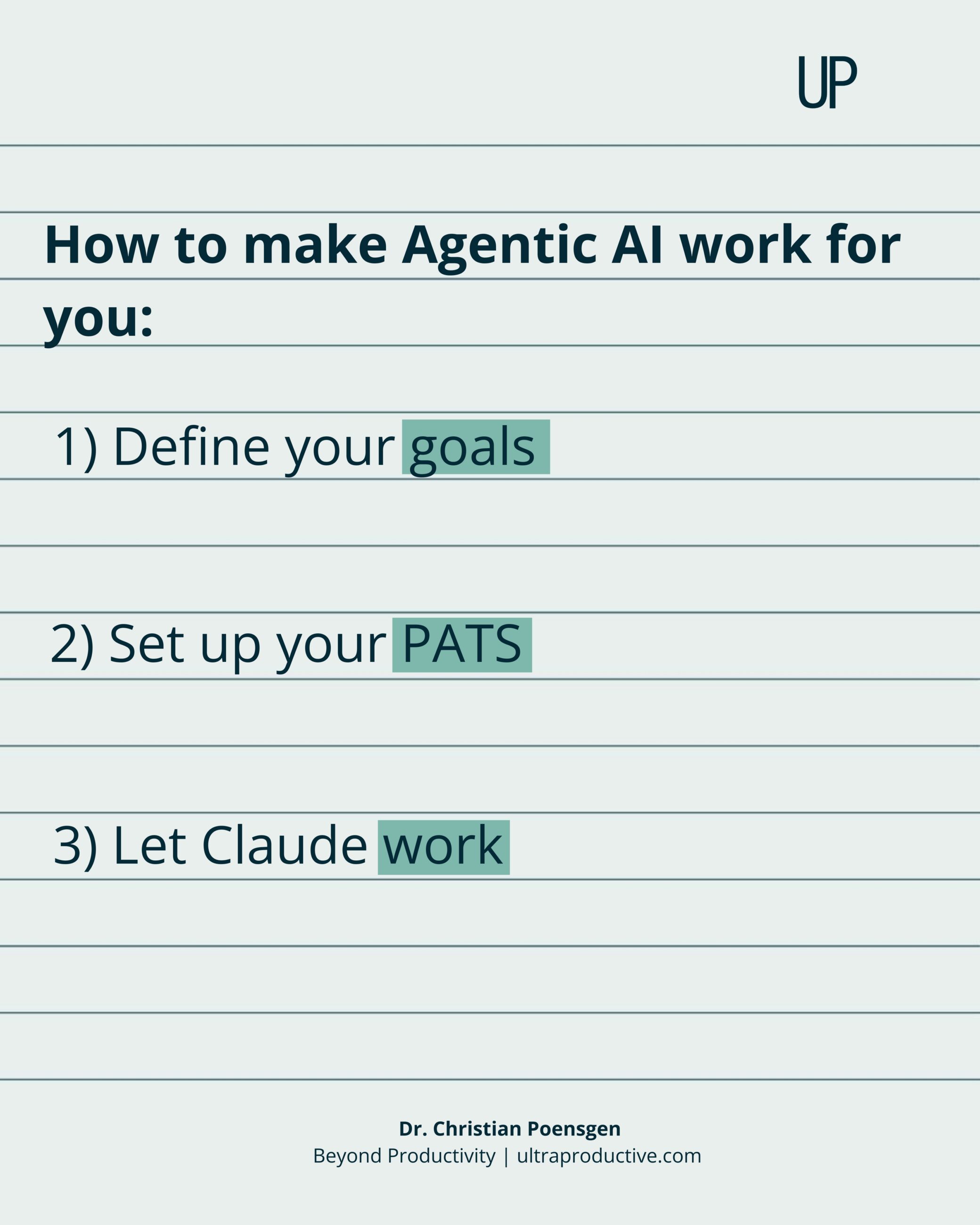
1) Define your goals
To direct agentic AI toward the right work, you need one thing first: clear goals. So picture your life six months from now and write down up to three professional goals and up to three personal goals.
Professionally, that might mean getting promoted, starting to write online, or increasing profit by 20 percent. On the personal side, it might be losing five kilos by Christmas, learning a new skill like cooking or a language, or logging off by 6pm to protect family time. Keep the list short. Three of each is already plenty.
This step matters more than it may seem. Agentic AI is only useful in service of a goal. Give it a target and every decision that follows gets easier, because you always know what the work is meant to achieve. Skip this step and you end up with a powerful tool doing busywork that moves nothing important forward–or feeling so paralyzed that you do not use it at all.
2) Set up your PATS
Once your goals are clear, you need to set up the four building blocks that let Claude help you achieve them. I remember them by a simple acronym, PATS: Projects, Artifacts, Tasks, and Skills. Each one does a specific job.
Projects hold the context for a goal. You load in the background once, your role, your business, what you are trying to achieve, and every chat inside that Project starts with Claude already up to speed. No more re-explaining yourself.
Artifacts are the durable outputs of Claude’s work. They can be documents that capture a plan, decision, or body of knowledge—or tools you use and build on over time, such as a tracker, dashboard, project plan, or content calendar.
Tasks are actions Claude carries out on a schedule you set. Whether it is a daily check-in, an afternoon research brief, or a Friday review, Claude acts at the right time—without you having to remember to ask.
Skills capture repeatable workflows. You define the process for a recurring job once—its steps, standards, and desired output—and Claude can follow that process whenever the job comes up.
Put together, these four building blocks turn Claude from something you chat with into a system that can work on your goals with you or even in the background. Setting each one up for your own goals is what the August edition of this newsletter will be about.
3) Let Claude work
With your goals defined and PATS in place, the last step is to put Claude to work on something that moves the needle for you. Do not try to systematize your whole life at once. Pick one goal out of the ones you defined above, find the smallest repeatable action that moves it forward, and hand that action to Claude Cowork.
Take a professional goal like growing profit. One useful building block here is an Artifact. Ask Claude to build you a live dashboard of your most important leads, clients, and partners, so the full picture sits in one place instead of scattered across tools and inboxes. You’ll need to connect it to your data once (go here for an overview of all connectors), and from then on you open a single view to see where things stand.
Now take a personal goal like protecting family time by logging off by 6pm. A valuable building block here is a Task. Set up a Task that runs each afternoon and drafts replies to the emails that still need a response that day, so your inbox is handled before you close the laptop. You connect your email once, or use the Chrome browser plugin (get it here), and the drafts are waiting for you to review and send.
These examples show some of the building blocks in action. In the September edition of this newsletter, I will go deeper into the three main types of work you can hand to Cowork, and how to choose the right one for your goals.
We’re still in the early days with agentic AI.
Today, the most capable tools of our lifetime too often get used to write slightly better emails.
The people who instead learn to hand real, multi-step work to agents will build a compounding advantage over the next few years.
Here’s my question for you this month:
What could you get done if capable agents worked on your goals around the clock, while you focused on the work only you can do?
And here’s my challenge for you:
Get started with Claude today by downloading the desktop app here (that’s where Cowork lives, on any paid plan).
Then, pick one goal this week.
Set up your first project in Cowork.
Hand it one small, repeatable action.
Watch what happens, then decide how far to take it.